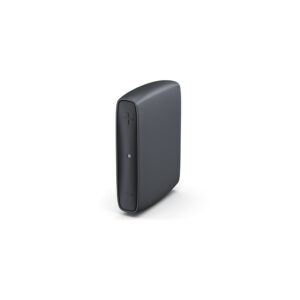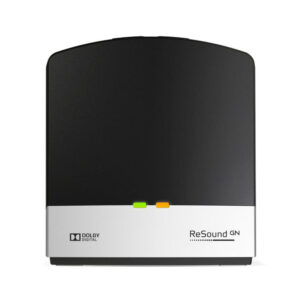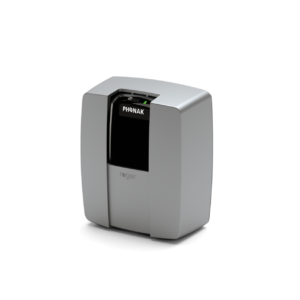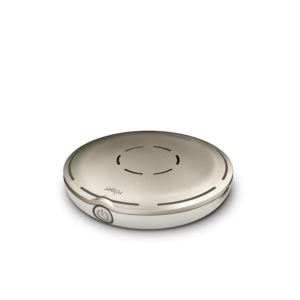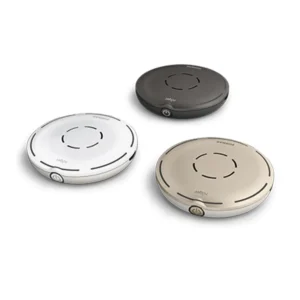
Meet the Starkey StarLink Edge TV Streamer—a simple way to make TV sound clear, comfortable, and personal through your Starkey Edge AI hearing aids.
It sends the TV’s audio straight to your Starkey Edge AI hearing aids while leaving the TV speakers on, so everyone can listen together—each at the volume that suits them.
The Starkey StarLink Edge TV Streamer is 60% smaller than previous streamers and is Auracast-ready, meaning that one device, like a phone or TV, can broadcast audio to an unlimited number of other compatible devices simultaneously, such as headphones, earbuds, or hearing aids.
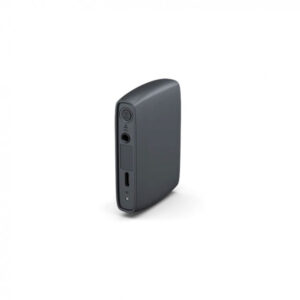
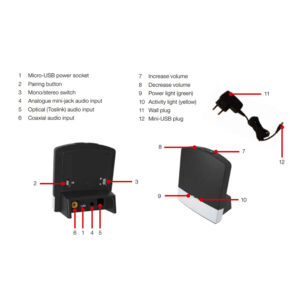
Included: 1 x Starkey StarLink Edge TV Streamer, 1 x Power Supply with USB Cable, 1 x TOSLINK Cable, 1 x 3.5mm Jack to RCA Cable, 1 x User Manual.
Hear Care Direct are an authorized Starkey distributor
Got a Question? Send us an email >




Related Products
-
- FM Hearing Devices, Microphones, TV Streamers
Roger On 3 Microphone
- £1,389.99
- This product has multiple variants. The options may be chosen on the product page
-
- Assistive Listening Devices, FM Hearing Devices
Phonak Roger Focus II
- Price range: £609.99 through £769.99
- This product has multiple variants. The options may be chosen on the product page
-
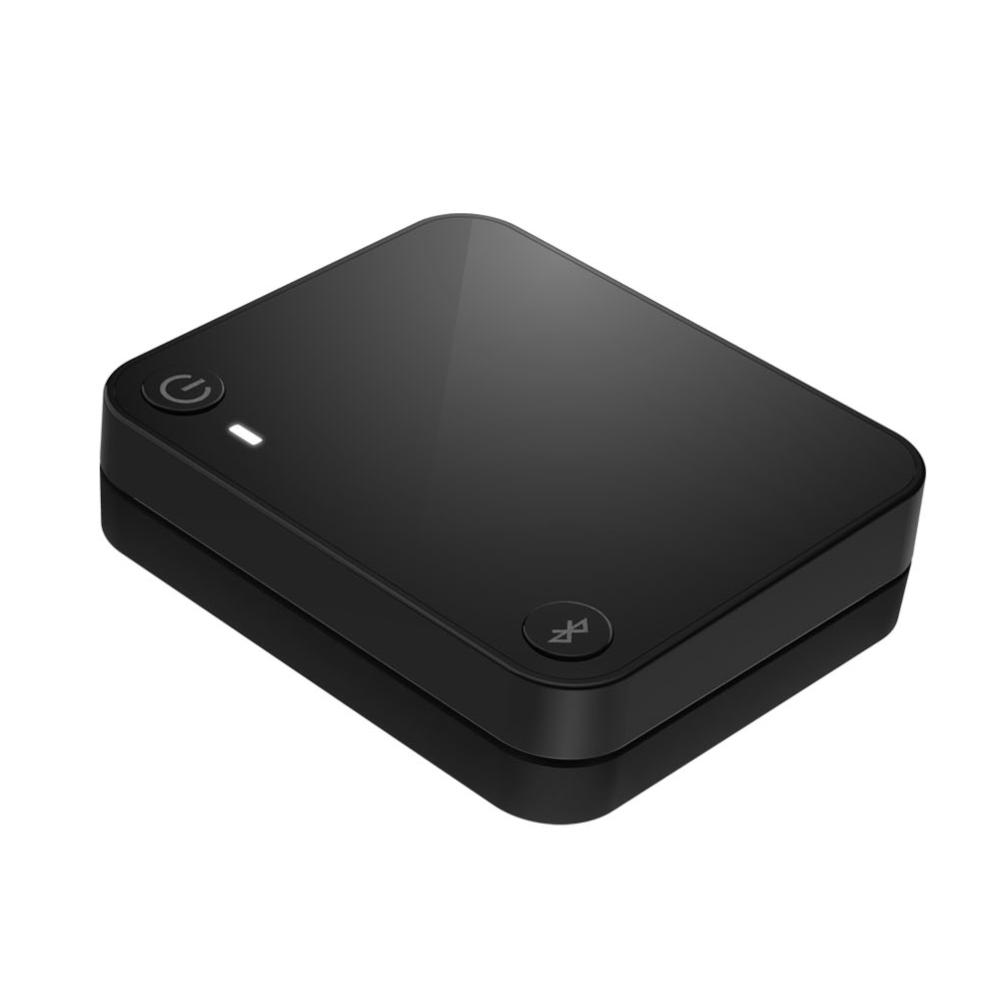
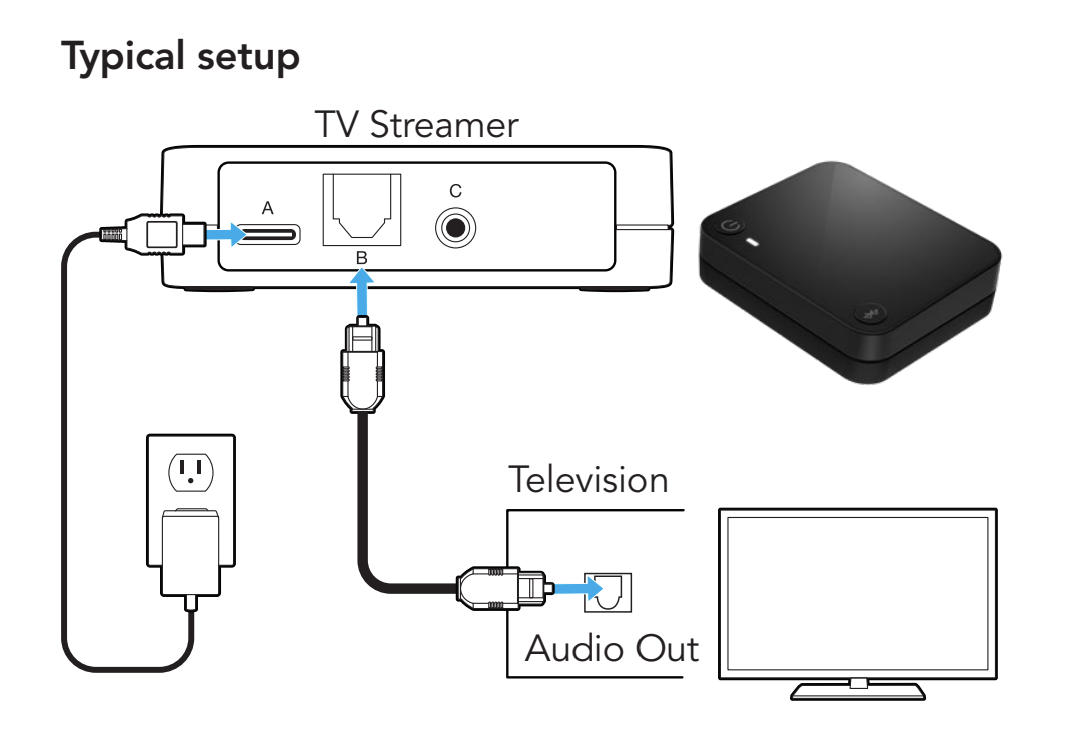
- FM Hearing Devices, Microphones, TV Streamers
Phonak Roger Select 3
- £1,389.99
- This product has multiple variants. The options may be chosen on the product page